Digital Creator
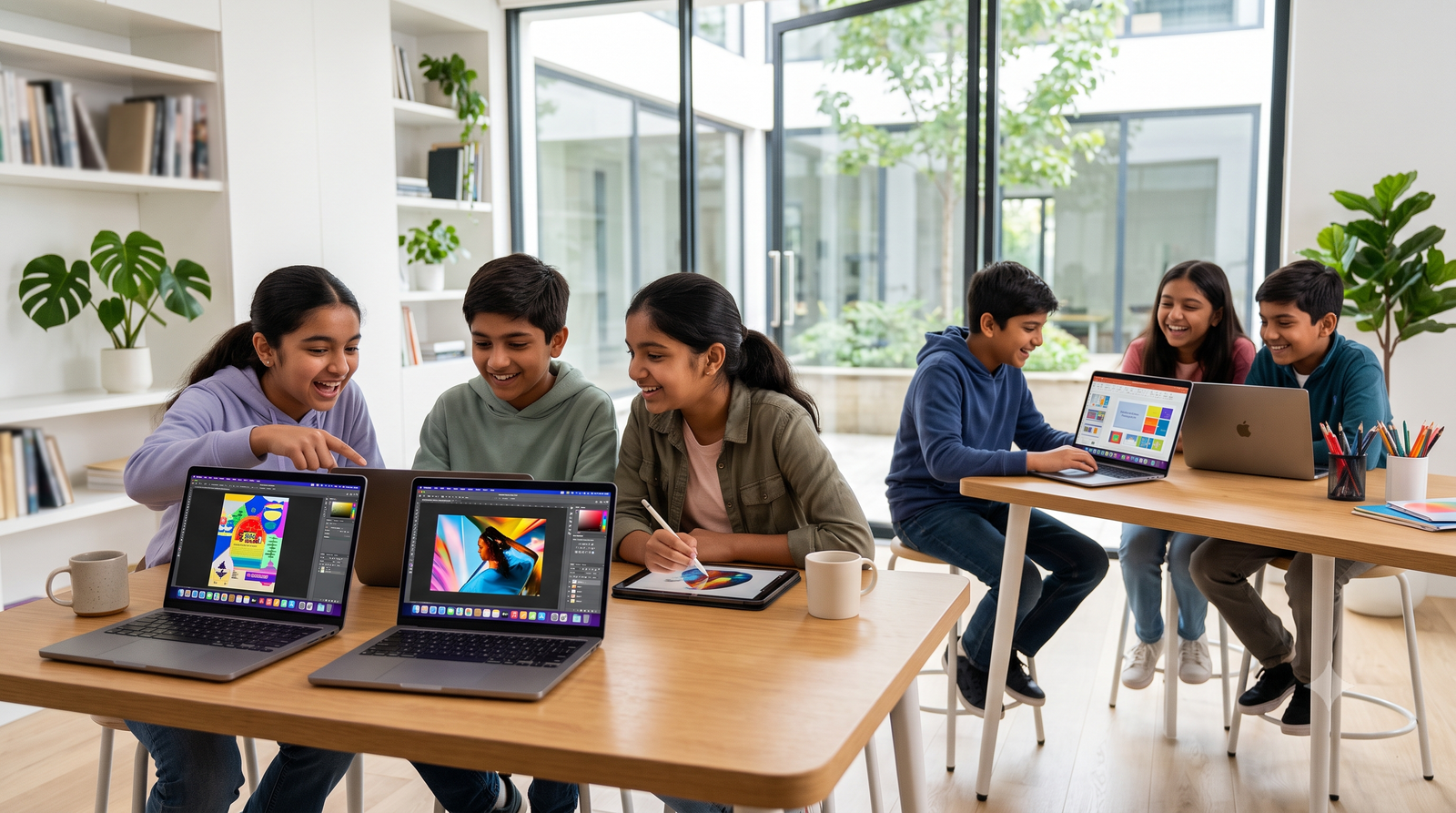
This level teaches students to create real digital content (not just use apps).
Outcomes
What You’ll Achieve
By the end of Level 2, every student should be able to:
Create professional-looking designs using Canva
Build engaging presentations
Work with documents and spreadsheets
Edit photos and videos
Use AI responsibly to improve productivity
Organize digital work effectively
Communicate ideas through digital media
Complete real-world projects independently
Curriculum
11 Modules · Full Detail
Expand each module to explore topics, tools, projects, and activities.
Objective: Learn to create professional-quality graphics for school projects, social media, and events.
Canva Workspace
- Dashboard
- Projects
- Templates
- Brand Kit (basic introduction)
- Folders
- Uploads
Design Principles
- Alignment
- Balance
- White Space
- Contrast
- Color Harmony
- Typography Basics
- Visual Hierarchy
Working with Elements
- Shapes
- Icons
- Frames
- Grids
- Stickers
- Lines
- Charts
Working with Text
- Font Pairing
- Text Effects
- Curved Text
- Letter Spacing
- Transparency
- Shadows
Working with Images
- Upload Images
- Crop
- Remove Background
- Filters
- Adjust Brightness
- Blur
- Frames
- Mockups
AI Features in Canva
- Magic Write
- Magic Design
- AI Image Generation
- Background Remover
- Magic Edit
- Magic Eraser
Projects
- School Poster
- Birthday Invitation
- Festival Greeting
- Business Flyer
- Restaurant Menu
- Instagram Post
- YouTube Thumbnail
- School Magazine Cover
- Certificate
- Resume Template
Objective: Learn tools used in schools and workplaces.
Google Docs / Microsoft Word
- Formatting
- Paragraphs
- Headings
- Lists
- Images
- Tables
- Page Numbers
- Headers
- Footers
- Spell Check
- Page Setup
- Printing
Google Slides / PowerPoint
- Themes
- Layouts
- SmartArt
- Images
- Charts
- Audio
- Video
- Animations
- Hyperlinks
- Presenter View
Google Sheets / Excel
- Rows, Columns & Cells
- Formatting
- Basic Formulas — SUM, AVERAGE, MIN, MAX, COUNT
- Sorting
- Filtering
- Charts
Objective: Teach students how to research and verify information.
Topics
- Advanced Google Search
- Search Operators
- Finding Reliable Sources
- Images with Usage Rights
- Fact Checking
- Fake News
- AI vs Search Engine
- Bookmarking
- Downloads
- PDFs
- Email ID
- Inbox
- Compose
- Attachments
- Reply
- CC
- BCC
- Subject Lines
- Email Etiquette
Google Meet / Zoom
- Join Meeting
- Screen Share
- Camera
- Microphone
- Chat
- Virtual Background
Cloud Storage
- Google Drive
- OneDrive
- Upload
- Download
- Share
- Organize Files
Tools
- Canva
- Photopea (or similar browser-based editor)
Topics
- Crop
- Resize
- Brightness
- Contrast
- Saturation
- Filters
- Background Removal
- Retouch Basics
- Text Effects
- Collage
- PNG vs JPG
Projects
- Passport Photo
- Event Poster
- Before/After Edit
- School Banner
Tools
- Canva Video Editor
- CapCut (desktop or web)
- Clipchamp
Topics
- Timeline
- Trim
- Split
- Merge
- Transitions
- Music
- Voiceover
- Text Animation
- Stickers
- Speed Control
- Export Settings
Projects
- Birthday Video
- School Event Highlights
- Travel Slideshow
- 60-Second Educational Video
Objective: Teach students how to use AI as a learning assistant.
Topics
- What is Generative AI?
- Writing Good Prompts
- Summarizing Notes
- Generating Ideas
- Translation
- Grammar Checking
- Story Writing
- Presentation Creation
- Study Planner
- Homework Assistance
- Image Generation
- Voice AI
- AI Ethics
- AI Hallucinations
- Privacy
- Responsible AI
Activities
- Create a study timetable using AI
- Generate a quiz
- Improve a paragraph
- Design an image from a prompt
Topics
- Logo
- Banner
- Brochure
- Business Card
- Flyer
- Social Media Graphics
- Color Psychology
- Typography
- Brand Identity
- Mood Board
Topics
- What is Digital Marketing?
- SEO Basics
- Social Media Marketing
- Content Marketing
- Email Marketing
- Online Advertising
- Influencers
- Hashtags
- Keywords
- Audience
- Branding
Topics
- Time Management
- Goal Setting
- Presentation Skills
- Public Speaking
- Team Collaboration
- Creative Thinking
- Problem Solving
- Critical Thinking
- File Organization
- Digital Note Taking
- Project Planning
Topics
- Strong Passwords
- Phishing
- Scams
- Safe Downloads
- Copyright
- Plagiarism
- Digital Footprint
- Cyberbullying
- Privacy Settings
- Responsible Social Media Use
Practice
Mini Projects Throughout the Course
Students complete practical projects such as:
Final Capstone Project
Launch My Brand
Students create a complete digital identity for a fictional business or personal brand. The project includes:
- Brand name and logo
- Color palette and typography
- Business card
- Flyer and promotional poster
- Social media posts and YouTube thumbnail
- Short promotional video
- One-page brochure
- Presentation pitching the business idea
- Budget tracker in Excel / Google Sheets
- AI-generated marketing content (reviewed and refined by the student)
- Professional email introducing the business
- Project portfolio organized in Google Drive
Outcomes
Skills Earned After Level 2
Students completing this level will be able to:
Creative & Production
- Design professional graphics and presentations
- Create and edit documents, spreadsheets, and slides
- Produce short videos and edit images
- Build and present a complete digital project
Thinking & Communication
- Research information critically and safely
- Use AI effectively and responsibly
- Communicate professionally through email and presentations
- Understand basic marketing concepts
At the end of Level 2, students transition from being digital users to digital creators, with a portfolio that demonstrates practical, real-world skills and prepares them for Level 3, where they begin building websites and learning programming.
Ready to Become a Digital Creator?
Join Level 2 and build a portfolio of designs, videos, presentations, and a full brand launch project.